Visual diffs
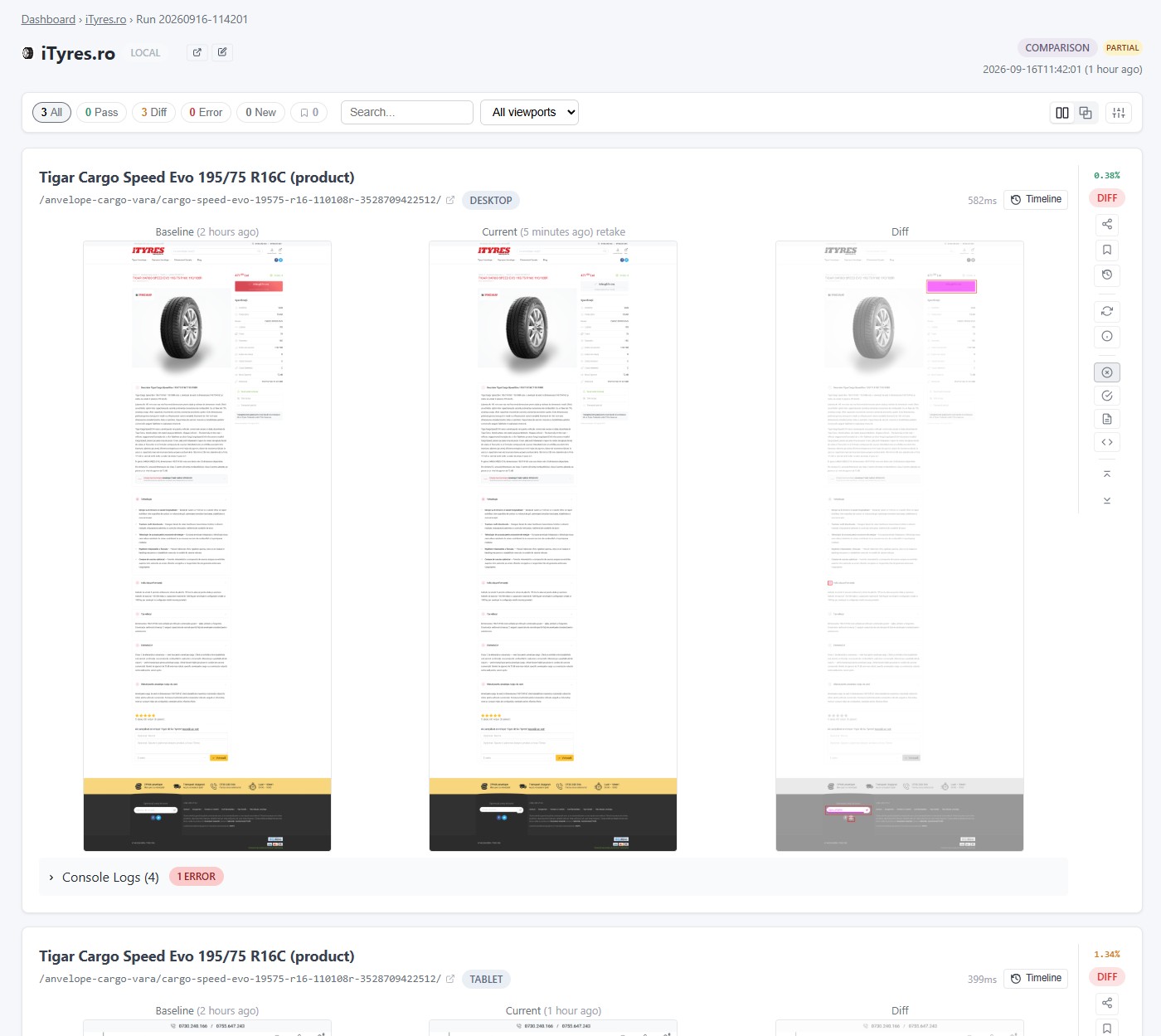
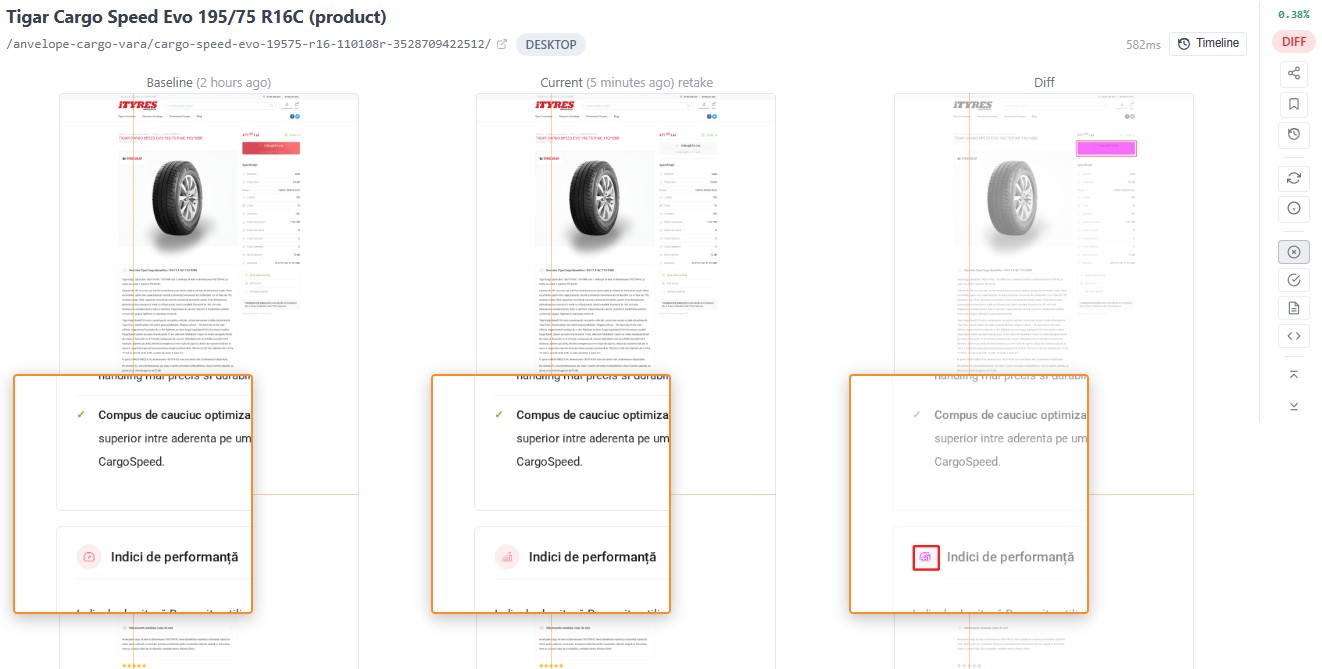
Every page and viewport compared with a baseline, changed regions highlighted.

Side By Side loads the pages you pick, on every environment and screen size, and compares each one with the version it captured before your change — so you find what moved, broke or disappeared before your clients do.
Side By Side compares a page with its own earlier self. That earlier version only exists if you captured it first.
Side By Side does this You do this
The baseline has to come first. There is no way to compare a page you never captured — and nothing here compares a design against a build.
Every page and viewport compared with a baseline, changed regions highlighted.
Content pushed down the page is reported as a shift, not as a broken page.
JavaScript errors and failed requests from every page it loads.
Production, staging and dev, including sites behind HTTP auth or a VPN.
Open menus or dismiss banners before the screenshot, recorded with the Chrome extension.
An email when a run finishes, and another when it finds differences.
No. It loads your pages like a visitor would.
No. Every comparison is one page against the version of that same page it captured earlier. A mockup is not something it can load and capture, so there is nothing for it to compare the build with.
No. Each environment is measured against its own baseline: a staging run is compared with an earlier staging capture, not with production. A comparison that names a baseline from a different environment is refused.
No. It only captures pages you have added to your own account, and only ever compares each one with its own earlier capture — never one page against a different page.
Not in the sense a test suite does. It reports how every page looks and the JavaScript errors and failed requests it saw while loading them. It does not walk through a checkout, fill in a form or assert that a result is correct, so it sits alongside your functional tests rather than replacing them.
Addresses that exist only on your own machine or network —
localhost, 127.0.0.1, 192.168.* — are
refused by the capture service, which will not load a private address at
all.
For those there is an experimental Chrome extension that captures the page from the browser you are already using, so the page never has to be reachable from the internet. It is still being built and cannot be switched on from your account yet.
There is one, for Chrome only. It is installed by hand —
developer mode in chrome://extensions, then “Load unpacked” —
rather than from the Chrome Web Store.
Treat it as experimental. It is limited to administrators of this deployment at the moment, so it is not something you can enable yourself, and there is no Firefox or Safari version.
No. Nothing is installed on your server, no snippet or script tag is added, and not a file or a line of your code is touched. It loads your pages the way a visitor's browser does and photographs what comes back. The extension works the same way — it reads a page your browser has already rendered.
One page at one viewport. Thirty pages on three viewports is 90 screenshots per run.
You get an email when a run finishes, and a second one listing the biggest differences if it found any.
Your captures are private. Nothing is published, listed or indexed anywhere, and no screenshot is public unless you deliberately make it so.
Members of your organisation, and anyone you give a share link to. Each run can have a read-only share link: members can create one from the run page, and the email we send when a run finishes carries one that expires after 30 days. A link opens that run's results, including the baseline screenshots it is compared against, and nothing else in your account. Revoking it from the run page switches off every link to that run, the emailed one included.
Yes: 14 days, no credit card. Some features, like scheduled runs and the REST API, depend on the plan you choose afterwards.